A Stupa at Greenstreete
Some resources
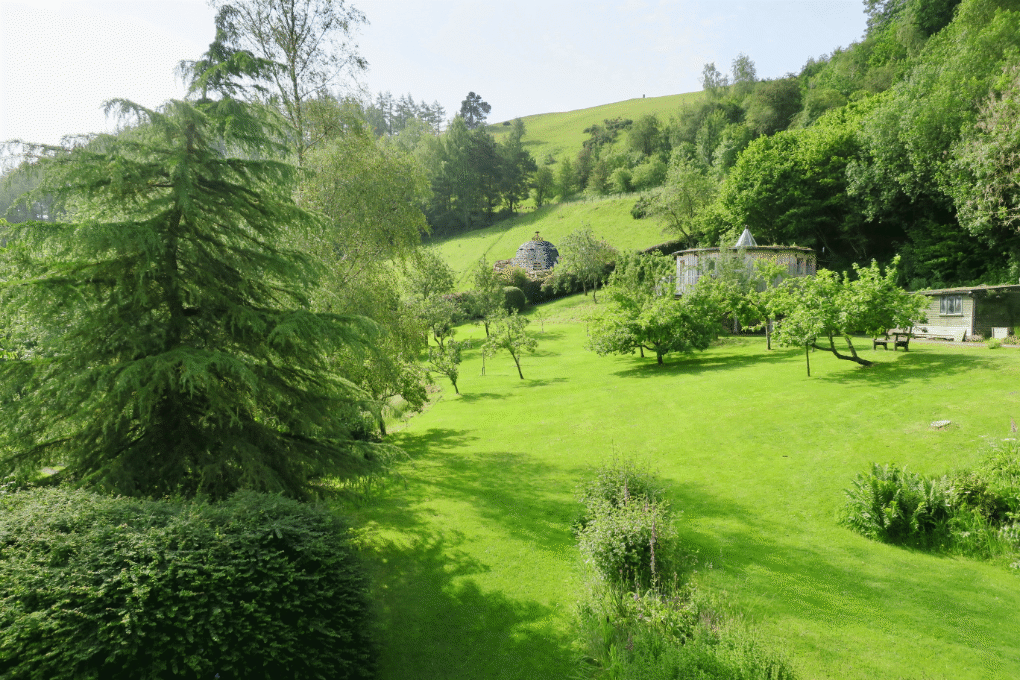
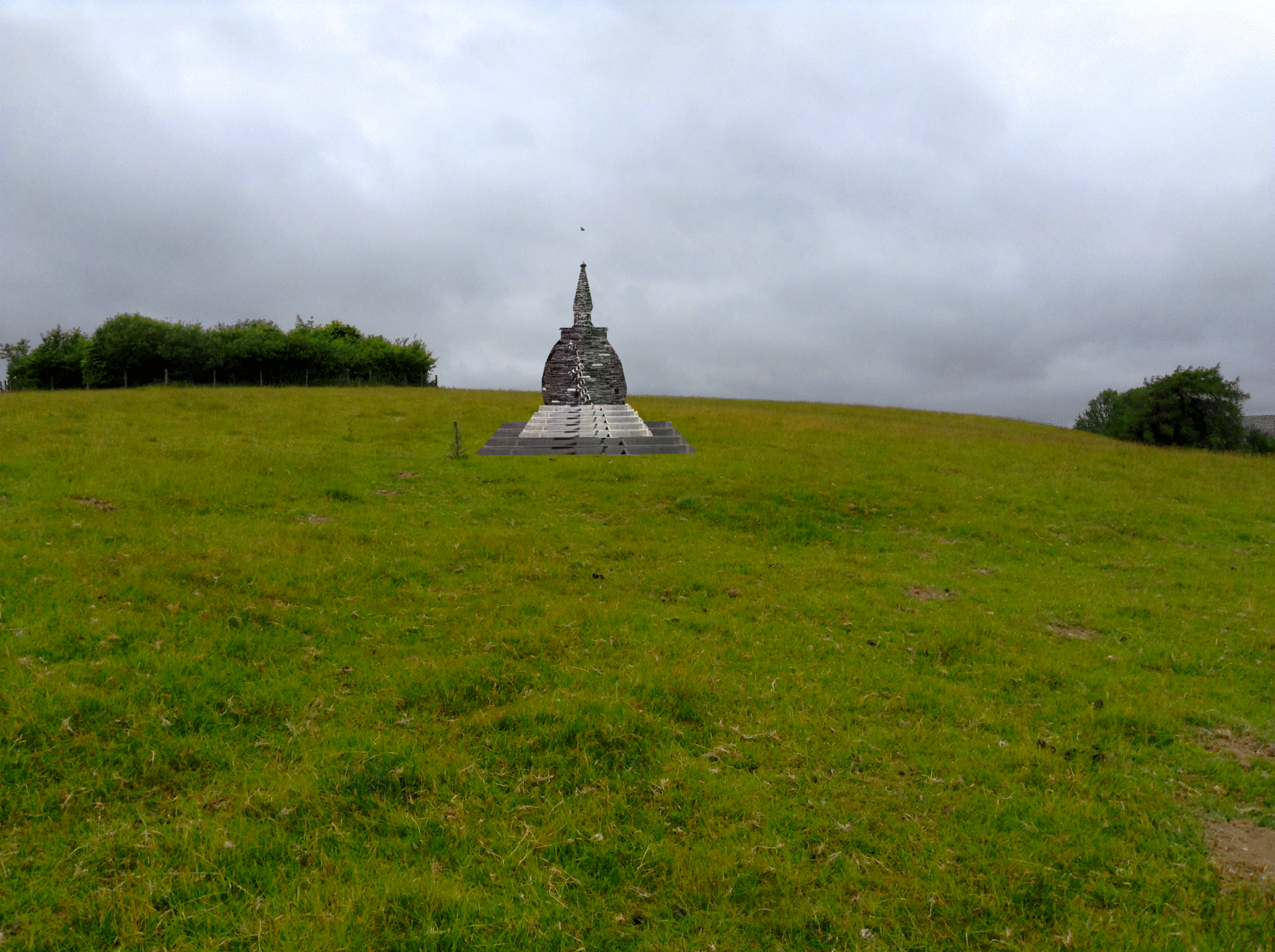
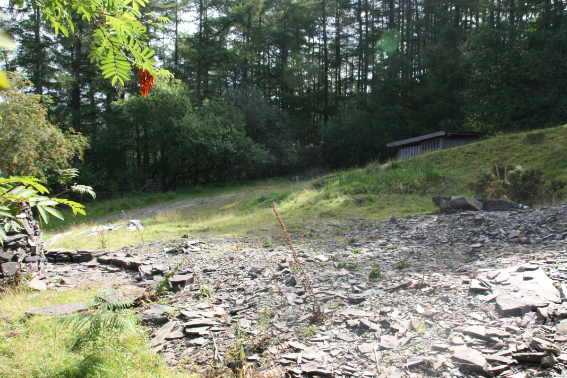
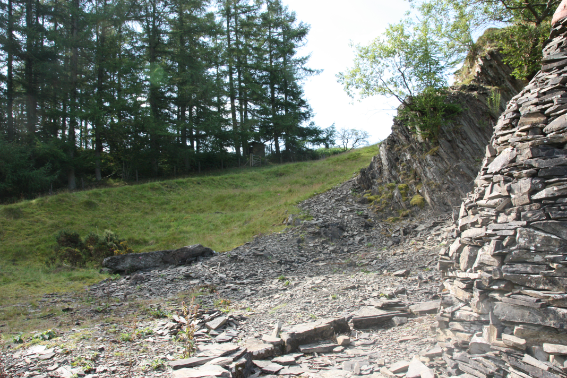
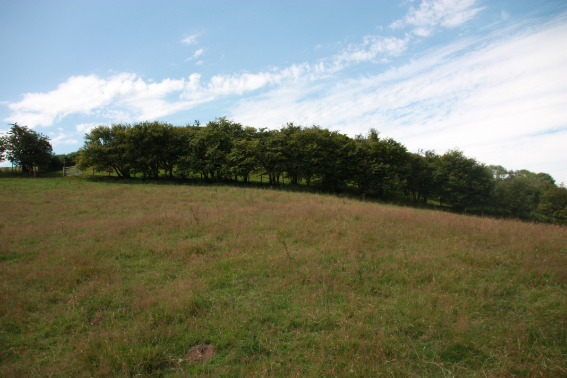
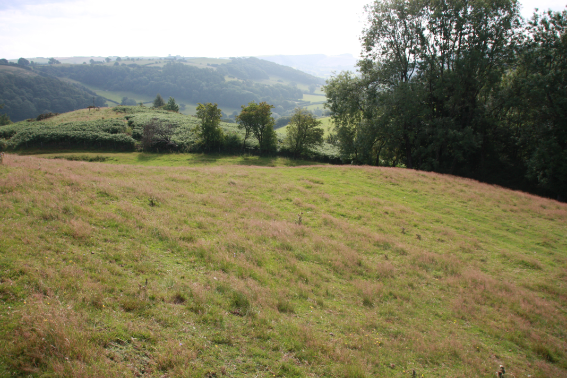
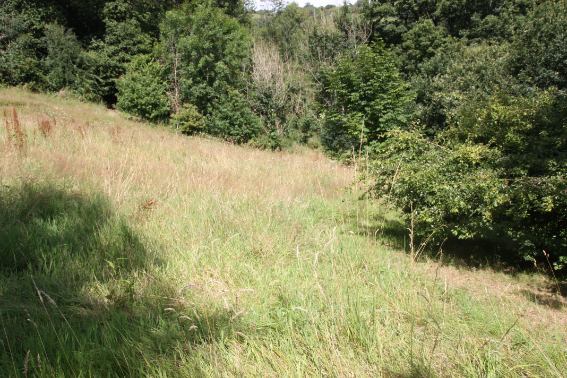
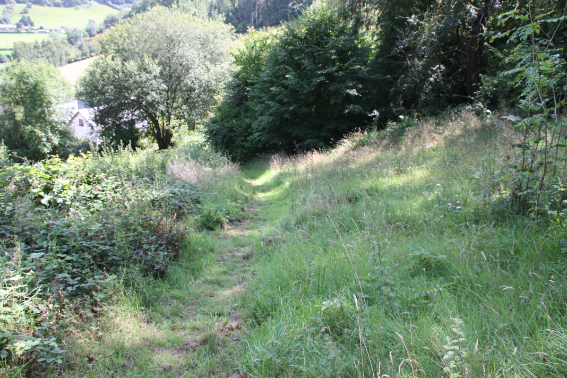
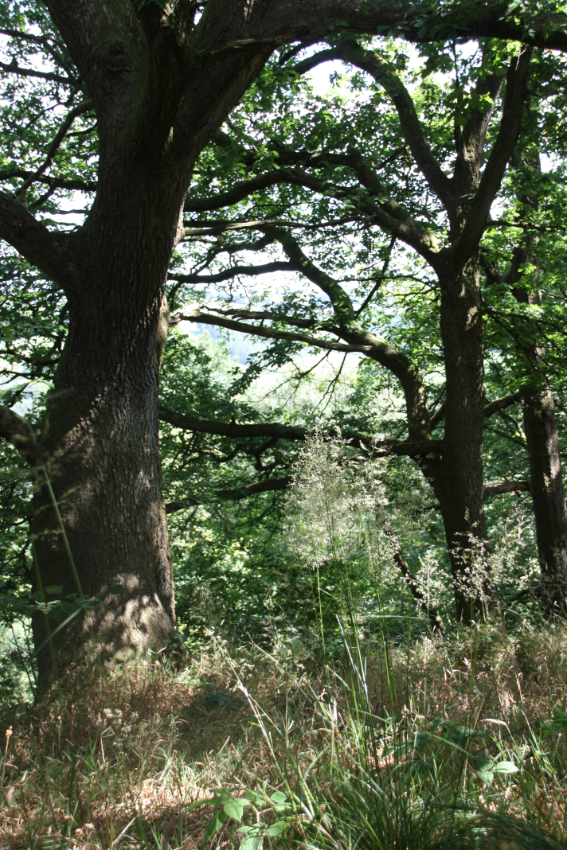
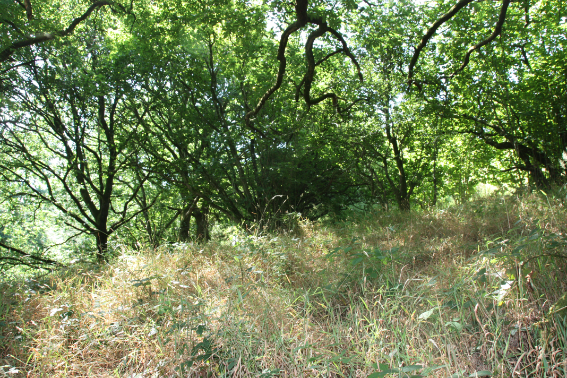
Here are some photos of the land at Greenstreete and some stupa designs.
The intention is that those who wish can download the photos, load them into Word - or any chosen word processor, image editor etc - and play with siting the stupas in different places.
First item is a how-to video showing how to download an image of the landscape a style of stupa and situate it on the background in Word.
You can play with the images in Word (or any other word processor - Pages, Open Office etc) quite well. If you want to have more control try downloading GIMP - an excellent free Photoshop style image manipultion app for PC and Mac that does nearly everything Photoshop does.
How to place a stupa in the landscape at Greenstreete
- watch the video to find out -
Images of the land at Greenstreete
Download an image from this selection and then select a stupa to position in the landscape
See video above to find out how.

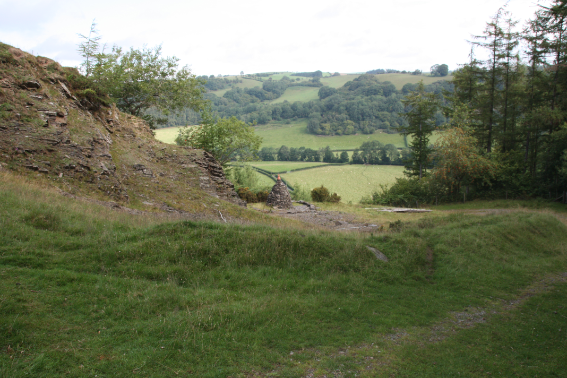
From the quarry track
The stupa field.
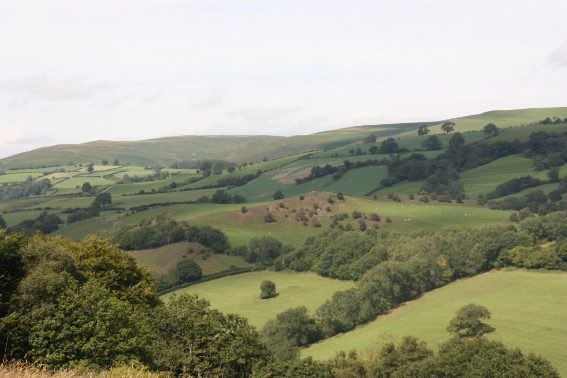
From Boonman’s bedroom window.
From the old entrance track.
From Boonman’s bedroom 2.
From the entrance track.
From the larch plantation
From the top of the field
From the top of the field.
Looking down the field.
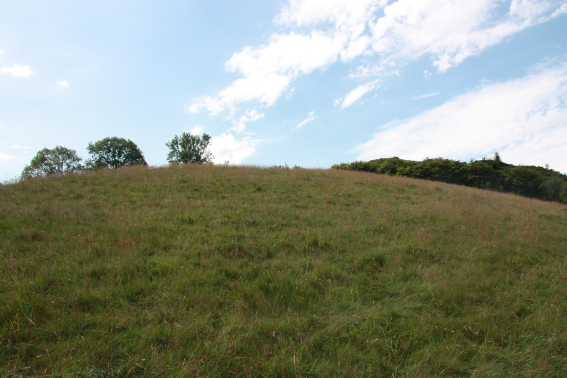
Looking up the hill.
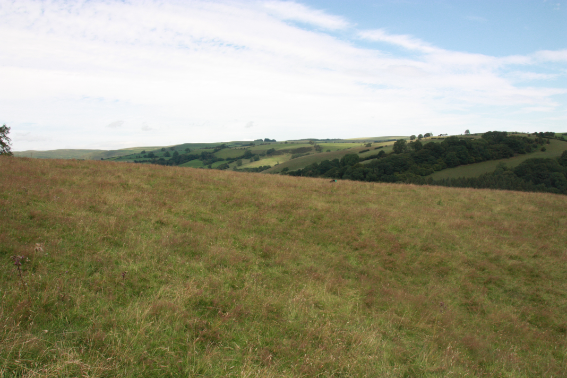
Across the field showing incline.
The top - balloon marks the spot.
The top - a wider angle.
Download Plinth images to add to the landscapes
They’re easy to make in Photoshop, Gimp etc...
See video above to find out how.
Download Stupa images to add to the landscapes
Be experimental and add designs of your own...
See video above to find out how.
How to make your own stupa or plinth images
You need an image manipulation application like Photoshop or AffinityPhoto to play - combining photos images, textures etc from the internet - Google image search is good - GIMP is perfect for this kind of work. It’s free, easy to use, lots of tutorial and uses the same principles as Photoshop, Affinity etc - you can find GIMP here https://www.gimp.org
If you make some stupas or plinths and would like them made available to others on this site send jpg, png or other files to info@samatha.org
A gallery of possibilities
Email any images you have made to info@samatha.org and they will be uploaded ti the gallery